Scheduling App
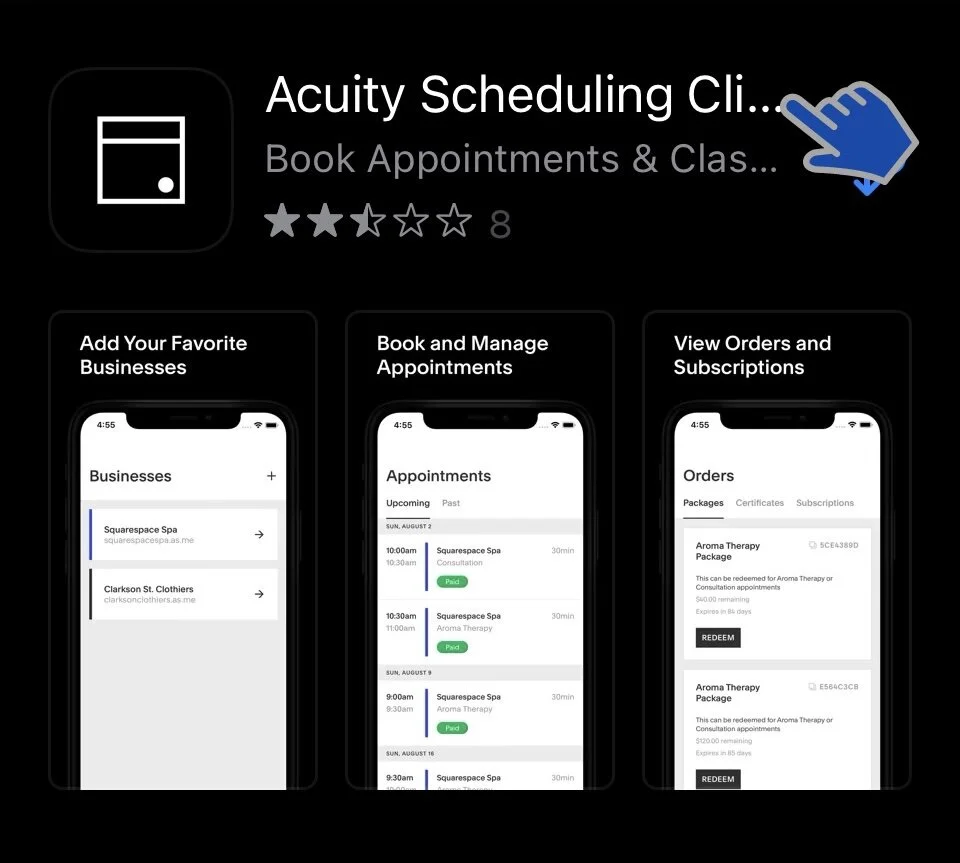
Download the “Acuity Scheduling Client App” on your mobile phone.
App Store link:
https://apps.apple.com/us/app/acuity-scheduling-client/id1509524919
Google Play Store Link:
https://play.google.com/store/apps/details?id=com.acuityscheduling.client.android
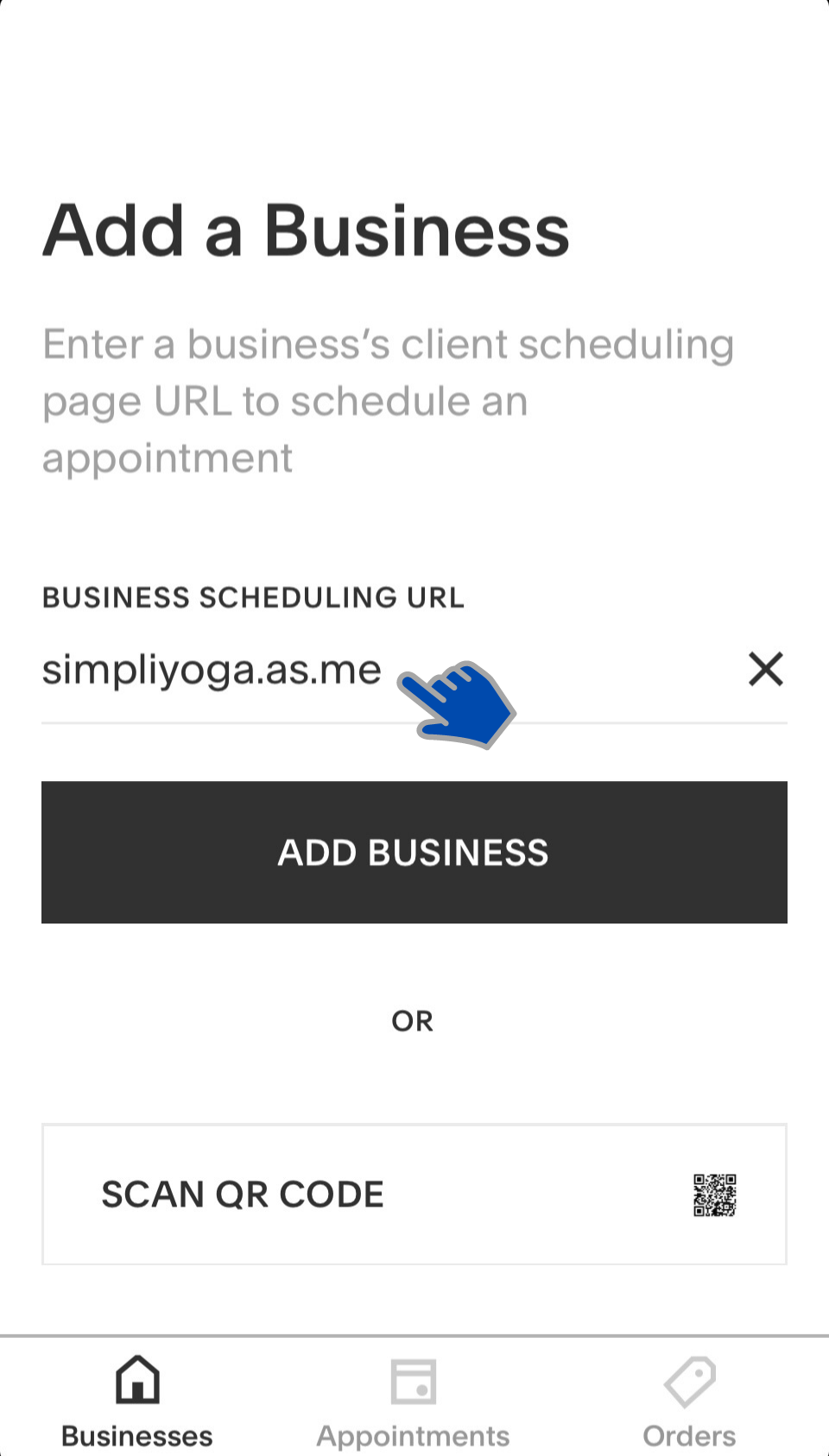
2. Open the app after download. In the first screen you will find “Add a Business” page.
Type the following link in “BUSINESS SCHEDULING URL” line:
https://simpliyoga.as.me/?calendarID=5069857
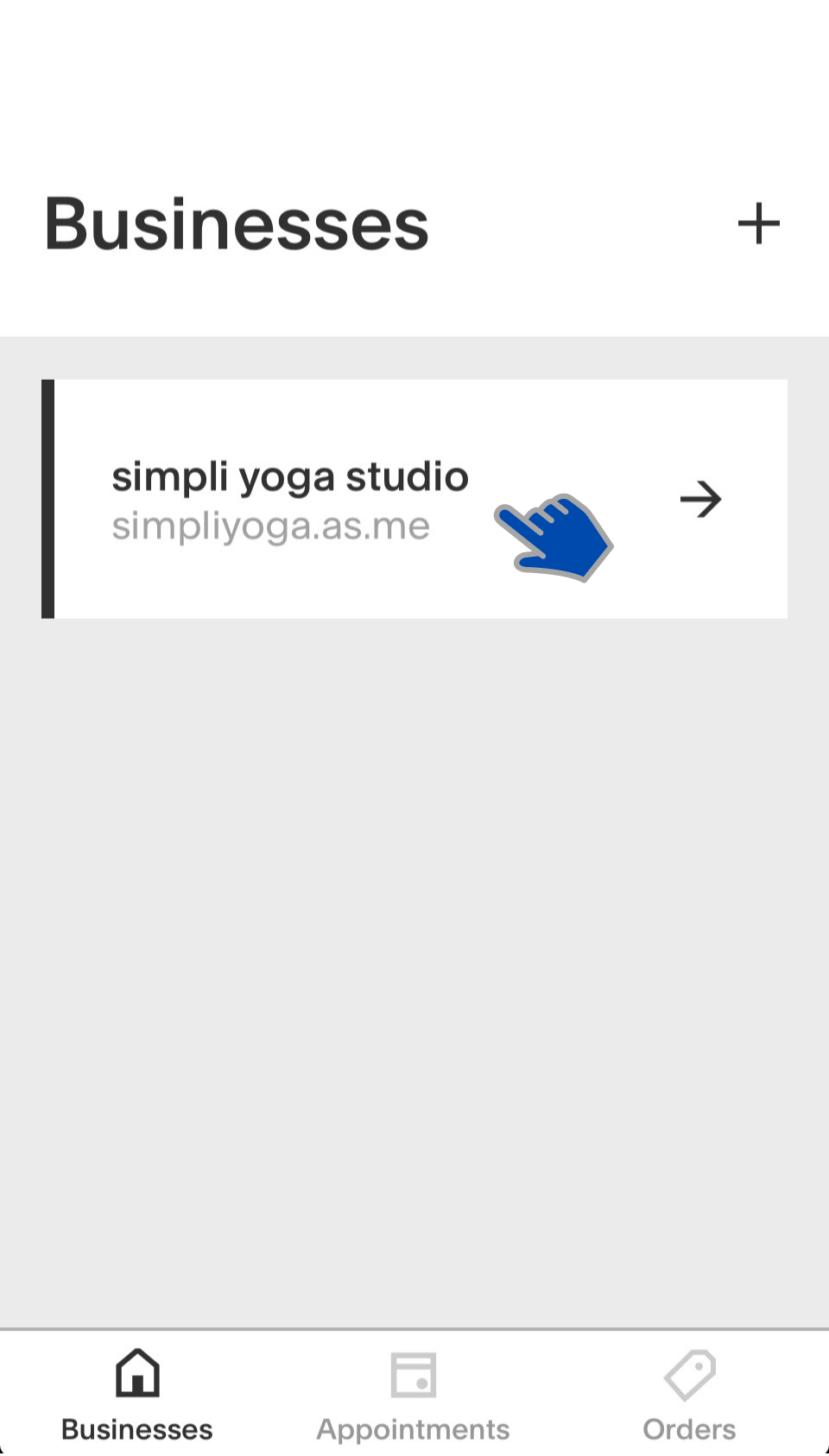
3. Now our studio has been added to your app.
You can click the “simpli yoga studio” button and start booking!